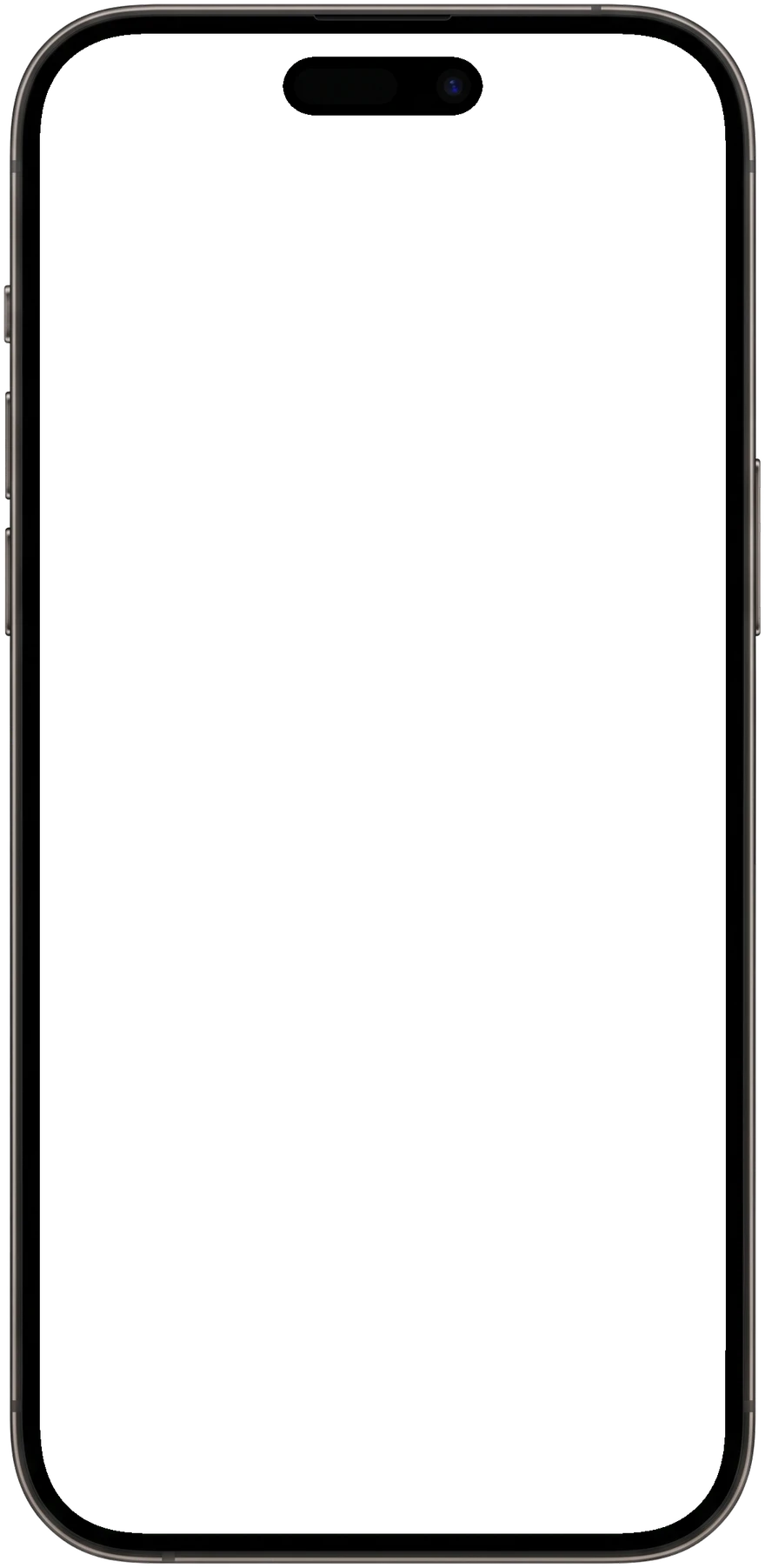
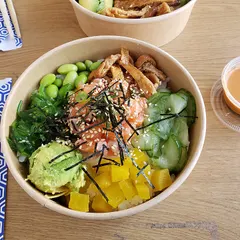
Your clients write what they ate in their own words, or snap a photo. wagmi.fit turns it into a real entry, asks one question if it needs to, and saves nothing until they confirm. You see every meal right next to their training.
15-day free trial · $25/mo after · unlimited clients
Example: a client types “2 eggs scrambled on toast w butter, black coffee, and like a handful
of blueberries” and attaches a photo of the plate. The app drafts five items with calories,
macros and portions, asks whether the eggs were cooked in butter, oil or milk, and saves the
meal only when the client taps Save.
9:41
Food Journal
Sep 23
New chat
What’s on your plate?
A quick description. A photo of lunch. Start with whatever’s easiest.
Describe a meal
Tell us what you had
Enter known values
From a label or a favorite meal
SaveReview
Describe a meal or ask a question…
Text, photos & labels
Written the way they’d text you
The difference
Other food logs make your client do the data entry
Every tracker your clients have tried works the same way: search a database, scroll past
near-identical versions of the same food, tap one, fix the serving size, add it. Then do it again for
the next food. wagmi.fit starts from what they would have told you anyway.
Jordan logged 1 meal today · 361 kcal so farView journal
One message, one tap, the whole meal. It is on your side the moment they save.
5 of 5 foods
How logging works
Your client writes it and saves it. We do everything in between.
01
They write it, or snap it
In their own words, the way they would text you: “2 eggs, toast w butter, black coffee.” Up to four photos per message. Already have the numbers off a label? “160 calories, 20g protein” is logged exactly as typed.
02
We draft it
Each food is split out, matched and measured, with calories, macros and a portion that says where it came from: in their words (You said “like a handful”) or the photo’s (From the photo: 1 thick slice).
03
One question, if it matters
If the photo cannot show something that changes the numbers, like the oil the eggs were cooked in, it asks once. Save stays right there either way. Corrections are just another message: “it was two slices.”
04
They confirm it
Nothing reaches the journal until they tap Save, or open Review and change any line first. Then it is in their journal, and in front of you.
Also in the same box
Ask instead of log
how many calories have I had today? You’re at 1,417 kcal today, across 3 meals.
Answered from their journal. Nothing new is logged.
Water counts
2 glasses of water Water · 500 ml
Tracked as its own daily total.
Known numbers
160 calories, 20g protein Logged as written · 160 kcal · P 20 g
Numbers they type are taken as given.
Your side
Every meal, right next to their training
Open a client and their nutrition page is already filled in. No second app to log into,
no screenshots in your DMs, no adding up somebody else’s food diary by hand.
Clients /JordanActive
OverviewProgrammingProgressNutritionNotesForms
WeekDaySep 14 – 20, 2026
View in Metrics Set a goal Targets
Calories
1,968/ 2,100 kcal
6%avg (5 days)
Protein
137/ 150 g
9%avg (5 days)
Carbs
207/ 220 g
6%avg (5 days)
Fat
71/ 70 g
On targetavg (5 days)
Fiber
26/ ≥ 30 g
13%avg (5 days)
Daily calories, Protein, Carbohydrates and Fat readings in Metrics are calculated from this journal.
Calories by day
Calories
01,0002,000
Goal 2,100
Mon 14Tue 15Wed 16Thu 17Fri 18Sat 19Sun 20
Highest in calories
1
Teriyaki chicken rice bowlEstimate
Thu · DinnerP48 gC96 gF21 g
780 kcal780
2
Salmon poke bowl
Mon · LunchP38 gC78 gF24 g
690 kcal690
3
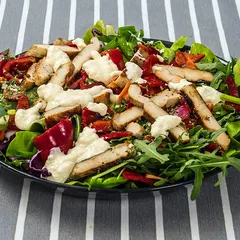
Chicken salad, light dressingCoach
Fri · LunchP46 gC22 gF30 g
540 kcal540
Day and week
Flip between one day and the whole week. Week averages count only the days they actually logged.
Targets you set
Calories, protein, carbs, fat, and a fiber floor. Start them on a date you choose, and give particular weekdays their own numbers.
Photos and estimates, marked
Photos stay with the meals they belong to, and anything that was estimated rather than looked up says so.
Your corrections stick
Fix a portion, rename an item, or remove one. Your changes are marked as coach edits.
Connected
It feeds the rest of your coaching
A saved meal is not stuck in a separate app. It turns into numbers in Metrics, progress on
a goal, a checked-off habit and a line in your notifications, without anyone typing it
twice.
Nutrition journal
Every meal your client saves
Metrics
Daily calories, protein, carbs, fat and water become metric rows on their own.
Daily calories1,968 kcal
Calculated from your nutrition journal
View journal
Goals
Start a goal from any nutrition metric, prefilled with the target you already set.
Set a goal
Protein · 150 g a day
From nutrition targets
Habits
Assign the habit and the journal checks off each day for you.
Log every meal
A day counts as logged as soon as it has an entry.
Notifications
One row per client per day, updated in place as they keep logging.
Jordan logged 3 meals today · 1,417 kcal so far
View journal
Automations
Use a logged meal as the trigger for an automation.
When
Nutrition meal logged
Client overview
A Nutrition card on every client’s overview, on by default.
NutritionToday
1,417 / 2,100 kcal
Blind tracking
Numbers optional.
Some clients do better without a calorie count staring back at them. They can turn the numbers off in their own app and keep logging exactly the same way: the meal, the photo, the foods, no figures anywhere. Suggest it to the client who gets stuck on the total. Nothing changes on your side.
Your client switches it on in their own nutrition preferences
Logging, photos and the journal work the same, minus calories and macros
You keep every number, with a “Numbers hidden for client” badge on their page
Jordan’s app
Jordan’s app with numbers hidden: meals, photos and foods are listed, with no calories or macros.
9:41
Nutrition
M21
T22
W23
T24
F25
S26
S27
Wed, 23 Sep
Numbers hidden
Meals
Scrambled eggs on buttered toastScrambled eggs · White toast · Butter · Black coffee · BlueberriesNumbers hidden
Greek yogurt and granolaGreek yogurt · Granola · HoneyNumbers hidden
HomeTrainingNutritionHabitsMetricsMessages
Your view
Jordan
Wed, Sep 23
Numbers hidden for client
Scrambled eggs on buttered toast
P 18 gC 34 gF 17 g
361 kcal
Salmon poke bowl
P 38 gC 78 gF 24 g
690 kcal
Greek yogurt and granola
P 24 gC 44 gF 10 g
366 kcal
Today so far1,417 / 2,100 kcal
Where the numbers come from
Public food data first. AI for the rest.
Most food trackers say “millions of foods” and leave it there. Ours come from two public
databases we keep our own copy of, hosted on our servers and kept up to date, so a lookup
never waits on someone else’s service. When a food is in neither, AI works it out and shows
what it assumed. Either way, it is a draft until your client confirms it.
Data source
USDAFoodData Central
Foundation · SR Legacy · Branded
Everyday foods
USDA FoodData Central
Eggs, rice, chicken, fruit, bread. The U.S. Department of Agriculture’s own measurements of
what is in them, micronutrients included. It is public-domain data, and branded products
from the same database cover a lot of what is in a client’s cupboard.
A nonprofit, open database of packaged and branded products, added by people and brands
around the world. It fills in the protein bar from the gas station and the yogurt with a
label your client photographed.
ClaudeAnthropic
GPTOpenAI
GeminiGoogle
+Pickedper task
Everything else
AI, with its assumptions shown
The restaurant bowl, the homemade chili, the product that came out last week. AI works it
out from the best information it can find and tells your client what it assumed. Across
wagmi.fit we use models from Anthropic, OpenAI and Google, picked for each job.
Whichever source it came from, nothing is saved to the journal until your client taps Save.
You and your client can correct any line afterwards.
Contains product data from Open Food Facts,
made available under the Open Database License (ODbL).
Nutrient data from USDA FoodData Central, which is in the public domain. Neither organization
endorses wagmi.fit.
Questions, answered
What it does, and what it does not do yet
Does this replace MyFitnessPal for my clients?
For logging with you, yes. Clients log in the wagmi.fit app instead, and you see every meal without asking for screenshots. There is no MyFitnessPal or Cronometer import or sync yet, so their history in those apps does not come across.
Can clients scan barcodes?
Not with a live scanner yet. They can take a photo of the barcode or the nutrition label and send it, and the product is read from the photo. Typing the numbers off the label works too: “160 calories, 20g protein” is logged exactly as written.
What if it gets a food wrong?
Every entry starts as a draft, and a draft is easy to fix. Your client can reply in plain words (“it was two slices, not one”) or open Review and change any line, and nothing is saved until they confirm. After that you can still correct any item from your side, and your changes are marked as coach edits.
What does my client see if they hide the numbers?
Their meals, photos and foods, with no calories or macros anywhere in their app. Logging works exactly the same way. You still see every number, and their nutrition page shows that they have numbers hidden.
Is nutrition included in the $25/mo?
Yes. It is part of the same Trainer plan: $25/mo after a 15-day free trial, with unlimited clients. There is no nutrition add-on and no per-client charge.
Free coach resource
Give your next check-in a clear starting point.
Build calorie and macro targets, add your instructions, and export a client summary. No account needed.